Examples
Why use this free t shirt mockup tool
A mockup maker that runs on your device, with no gate between you and the download.
Your design stays on your device
Every t shirt mockup is drawn in your browser, so your artwork is never uploaded. There is no queue and nothing to wait for. Changes show up the moment you make them.
No watermark, no download limit
Every download is clean. Make as many versions of your t shirt mockup as you like, in either quality, without signing up or paying.
Twelve shirt colors plus any color you pick
Start from Vintage Black or try a white, grey or navy tee. A color picker covers brand colors the presets miss. Switch between front and back print on the same shirt.
Shadows and shine you can tune
Fold shadows and fabric shine have their own sliders, next to size, rotation and opacity. Turn them up for a worn-in look or down for a clean flat print.
Canvas sizes for where the image will go
Choose square, a 4:3 listing shape, a 4:5 portrait or a 9:16 story. The shirt is framed for the shape you picked, so you don't crop afterward.
Transparent background on request
Set the background to transparent and the PNG keeps clear pixels around the shirt. Drop it onto your own banner or product page.
How to make a t shirt mockup in five steps
Everything redraws as you change it, so there is no generate button.
- 1
Add your design
Click the upload box or drop a PNG, JPG or WebP file. No file yet? Pick one of the three sample graphics to see how the tool works.
- 2
Pick a shirt color and a side
Choose one of the 12 colors or open the custom picker, then switch between front and back. A black t shirt mockup is one click away.
- 3
Place and adjust the design
Drag it into position, pull a corner handle to scale it and use the top handle to rotate. The sliders add opacity, fold shadows and fabric shine.
- 4
Set the background and canvas
Use a solid color, a wood panel or a transparent background. Then pick the canvas ratio that fits your listing or post.
- 5
Download the mockup
Press Download Mockup and choose high quality (1080 px short side) or extra high quality (2160 px short side). You get a PNG, free and without a watermark.
What is free, what is private, what to expect
A free t shirt mockup, with no account
There is no sign-up, no credit card and no cap on downloads. The tool is free to use in full, and nothing on the page asks you to pay.
Your artwork is not uploaded
The design is read and drawn inside your browser. It is never sent to a server, so there is nothing for us to store or delete.
A drawn shirt, not a photo
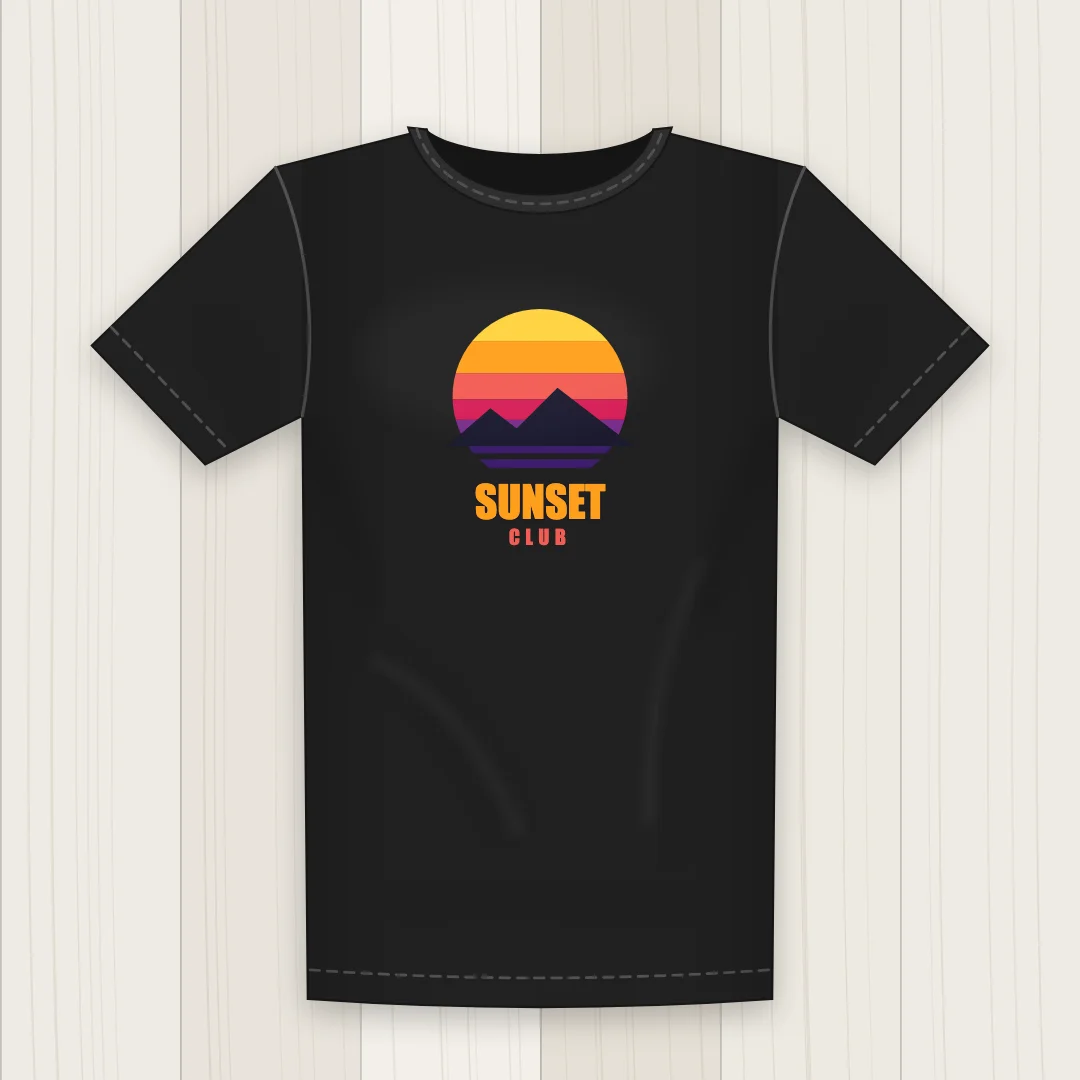
The shirt is a flat illustration and the design lies on it with fold shadows over the top. It does not warp with the fabric. For a photo-style product shot, use a photographer or a photo mockup tool. The On Model option is not available yet.
Upload limits
The tool takes PNG, JPG and WebP files under 20 MB. Images wider or taller than 4000 px are scaled down first. HEIC, SVG and PDF files are not accepted, so export your art as PNG first.