Mockup AI
Upload your logo or artwork, pick a product and a scene, and get a realistic mockup photo with three free images and no sign-up.
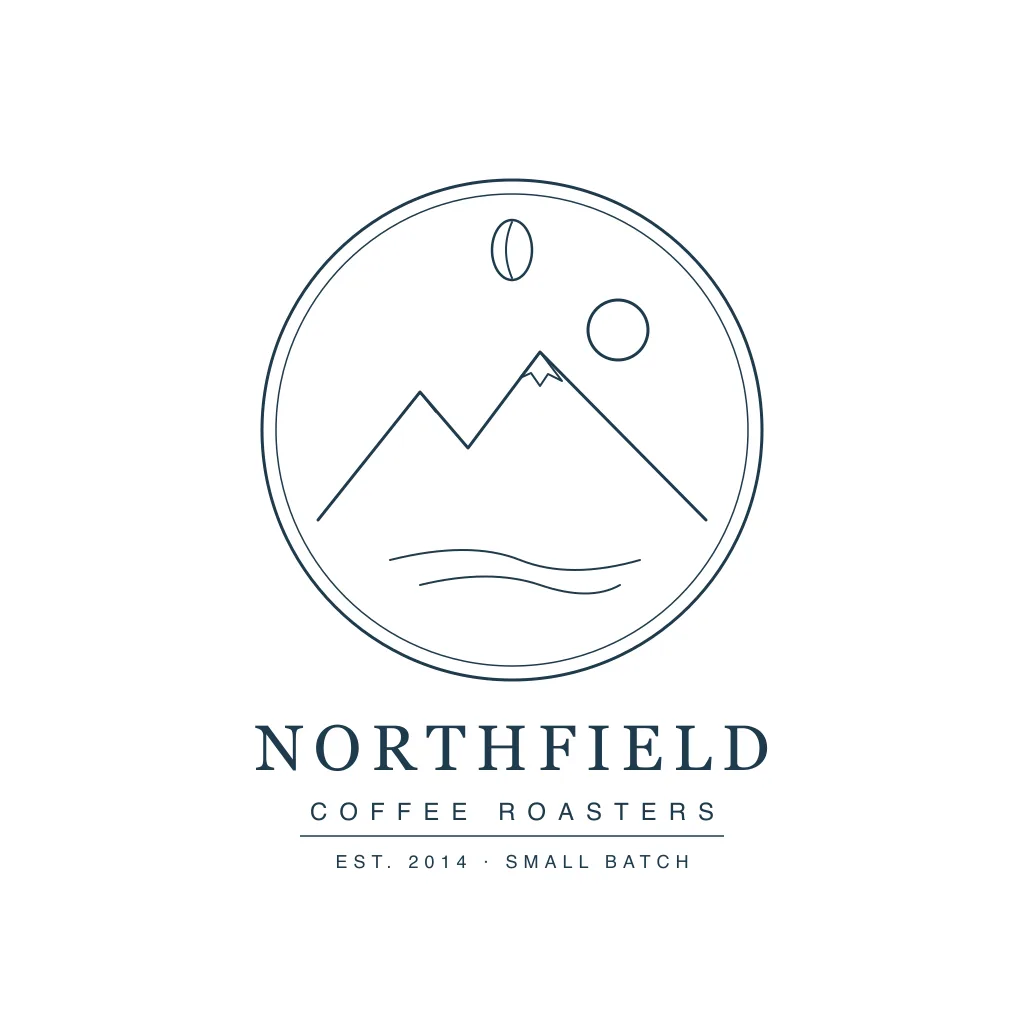 Before
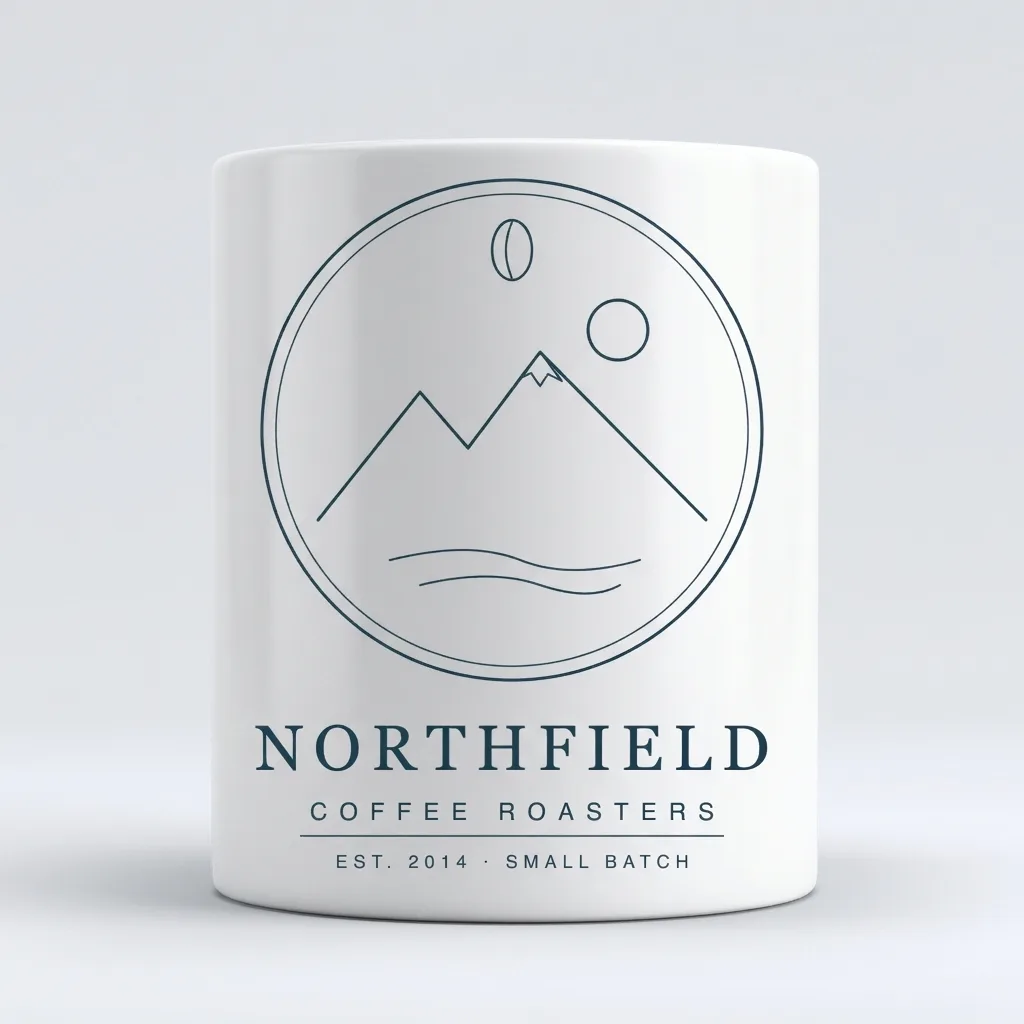 After
Example result. Upload your photo to make yours.
Examples
BeforeAfterWhat this mockup AI does with your design
Mockup AI turns a flat logo or artwork file into a realistic product mockup. Upload one PNG or JPG, choose a mug, poster, phone case, tote bag, cap or packaging box, then choose a scene. The AI builds the product photo around your design and gives you one 1024 x 1024 PNG.
Use this mockup AI when you need to see the product before it exists: for a shop listing draft, a client pitch or a launch post. There is no template file to find and no layer to line up.
The result is AI output, so compare it with your upload before you use it.
Made for
- Logo designers
- Shop owners
- Small brands
- Freelancers pitching clients
- Packaging concepts
How to use mockup AI on your design
Three steps, one upload.
- 1
Upload your design
Click or drop one PNG or JPG under 10 MB. A plain or transparent background with some margin around the artwork works best.
- 2
Pick a product and a scene
Choose Mug, Poster, Phone case, Tote bag, Cap or Packaging box. Then choose Studio, Lifestyle, Minimal, Luxury or Outdoor.
- 3
Generate and download
Press Generate Mockup, check the picture against your upload and download the PNG. You get three free images in total, so pick the product you need most first.
Where a mockup AI photo helps
Pick the product that matches the job.
Logo presentation mockups
Show a client the new logo on a mug and a tote bag before the brand kit is final.
Shop listing drafts
Build a first product picture for a listing while the real product is still a plan.
Packaging concepts
Print your label artwork on the front of a white box and judge how it reads from a distance.
Posters and art prints
See a poster centered on white paper in a thin black frame on a wall.
Phone case designs
Check a pattern on the back of a matte white case before you commit to it.
Club and event gear
Put a team crest on a cap or a mug to share the idea with the group.
Mockup AI or Photoshop mockup files?
What changes when you skip the template.
| This tool | Photoshop mockup files | Ready-made template sites | Product photo shoot | |
|---|---|---|---|---|
| Starting point | Your upload and two choices | A template file and Photoshop | A template with a placeholder | A real product and a camera |
| Skill needed | None | Layers and smart objects | Drag, crop and resize | Lighting and styling |
| Placement | Kept as in your upload | Exact, by hand | You drag it into place | Exact |
| Scene choice | Five scenes | Whatever the file has | Fixed by the template | Anything you can stage |
| Sign-up | None | Software account | Some free tiers ask for one | None |
| Print on the surface | Flat, not wrapped | Warped by hand | Depends on the template | Real print |
| Best for | Fast concept pictures | Final polished assets | Browsing many templates | Final marketing photos |