Roblox Shirt Maker
This Roblox shirt maker turns a description into a 585x559 shirt or pants PNG, or a 512x512 T-shirt PNG, with an avatar preview. No sign-up.
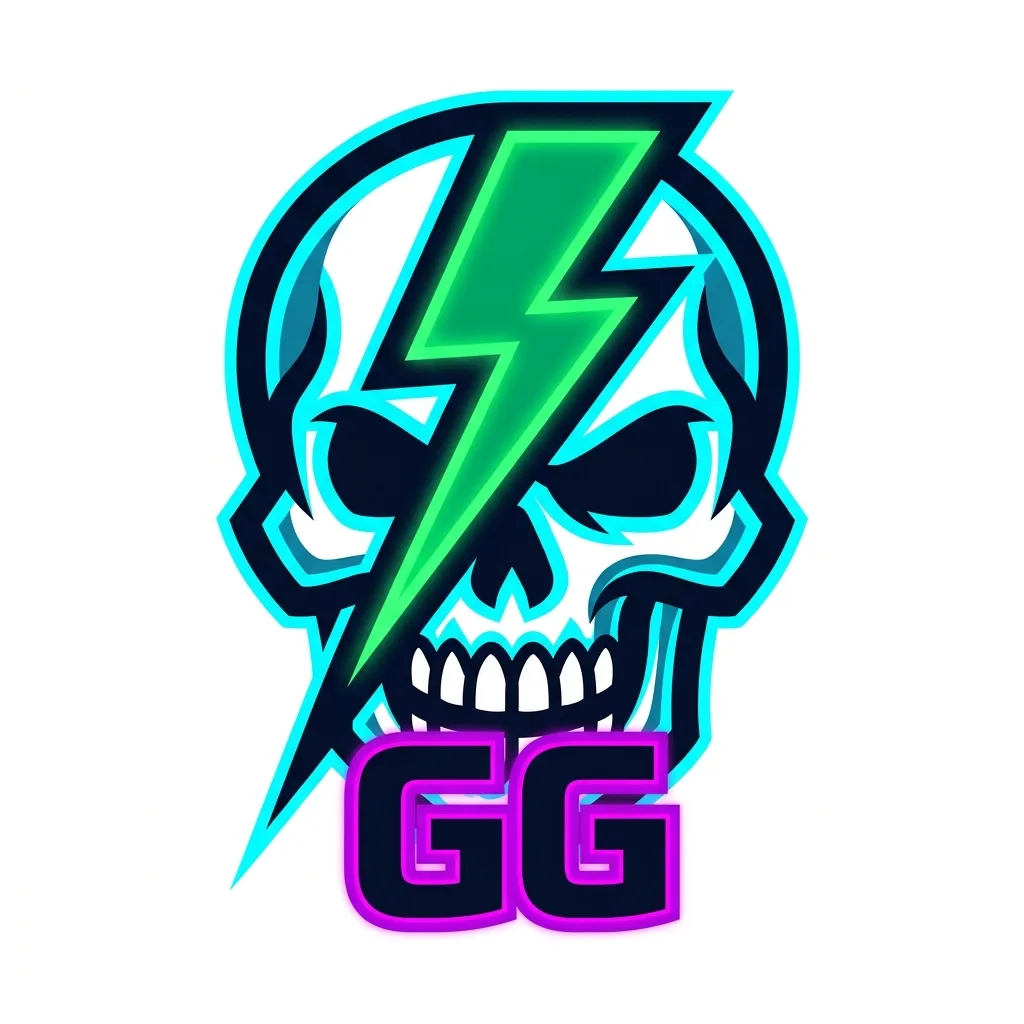
Example result. Pick your options to make yours.
Examples
How to use the Roblox shirt maker
One description, one image, three Roblox file types.
- 1
Describe the graphic
Write what should be on the chest (up to 300 characters) and, if you want words, a short line of text (up to 40). Pick a Design type and one of six styles, from Neon Gamer to Camo. The Roblox clothes creator draws one image from that.
- 2
Generate, then switch the item
The AI draws one image, usually in about 14 seconds. Switch between Shirt, Pants and T-Shirt in the result area without generating again, and check the flat template and the blocky avatar preview.
- 3
Set placement and base color
Front graphic puts the image on the torso front. All-over pattern tiles it around the body. Base color offers White, Black, Navy, Grey or any custom color.
- 4
Download the PNG
Shirt and Pants download as a 585x559 transparent PNG in the Roblox classic clothing layout. T-Shirt downloads as a 512x512 transparent PNG. Upload the file in Roblox.
Front graphic or all-over pattern
Front graphic is the safe choice for a Roblox shirt. The image is scaled into the 128x128 torso front, and every other face gets your base color, so there are no seams to match. Pants get the image on the front of both legs.
All-over pattern cuts one square tile from the image and repeats it around the torso and limbs. It looks continuous only when the design tiles on its own, such as plaid, camo or small repeating stars. In our layout test with a centered picture, the seams showed where one tile met the next, and the arms repeated half a picture.
What happens after you download
This Roblox clothing maker makes the image file. Uploading, review, fees and selling all happen in Roblox, under its rules, and you are responsible for trademarks and content rules. There is no 3D preview here, so wear the shirt on a test avatar in Roblox before you sell it.
The design is AI output: look at spelling and details in the preview, and compare it with your idea before you upload. If something is off, change the description and generate again, which uses another part of your free allowance.
Tips for a Roblox shirt that reads on the avatar
- Ask for one bold subject, such as a skull emblem or a flame logo, not a whole scene; the torso front is only 128x128 pixels.
- Keep the text to a few words. Short lines came out spelled correctly in our tests, but check every letter before you upload.
- Choose Front graphic for logos, emblems and characters, and All-over pattern only for plaid, camo and other designs that tile on their own.
- Pick the Design type before you generate. The Placement control in the result area starts on the same choice, and you can switch it there.
- Choose a base color that contrasts with the artwork, or use Custom to match a color you already have.
- Check the avatar preview before you download: shirts show grey legs and pants show skin-colored arms.
- Write your idea carefully first. The free allowance is three free images for the whole site, not per page.