Free AI t-shirt design tools, no sign-upTry It Free

Design graphic

Or choose a sample graphic

Mockup style

Garment type

Print side

T-Shirt color

Background

Canvas size

Adjust design

Clothing Mockups

Put one design on a t-shirt, hoodie, cap or tote bag with free clothing mockups, then download a high-resolution PNG.

Drag design to place | Corner handles to scale | Top handle to rotate

Made in your browser. Your design is never uploaded.

Examples

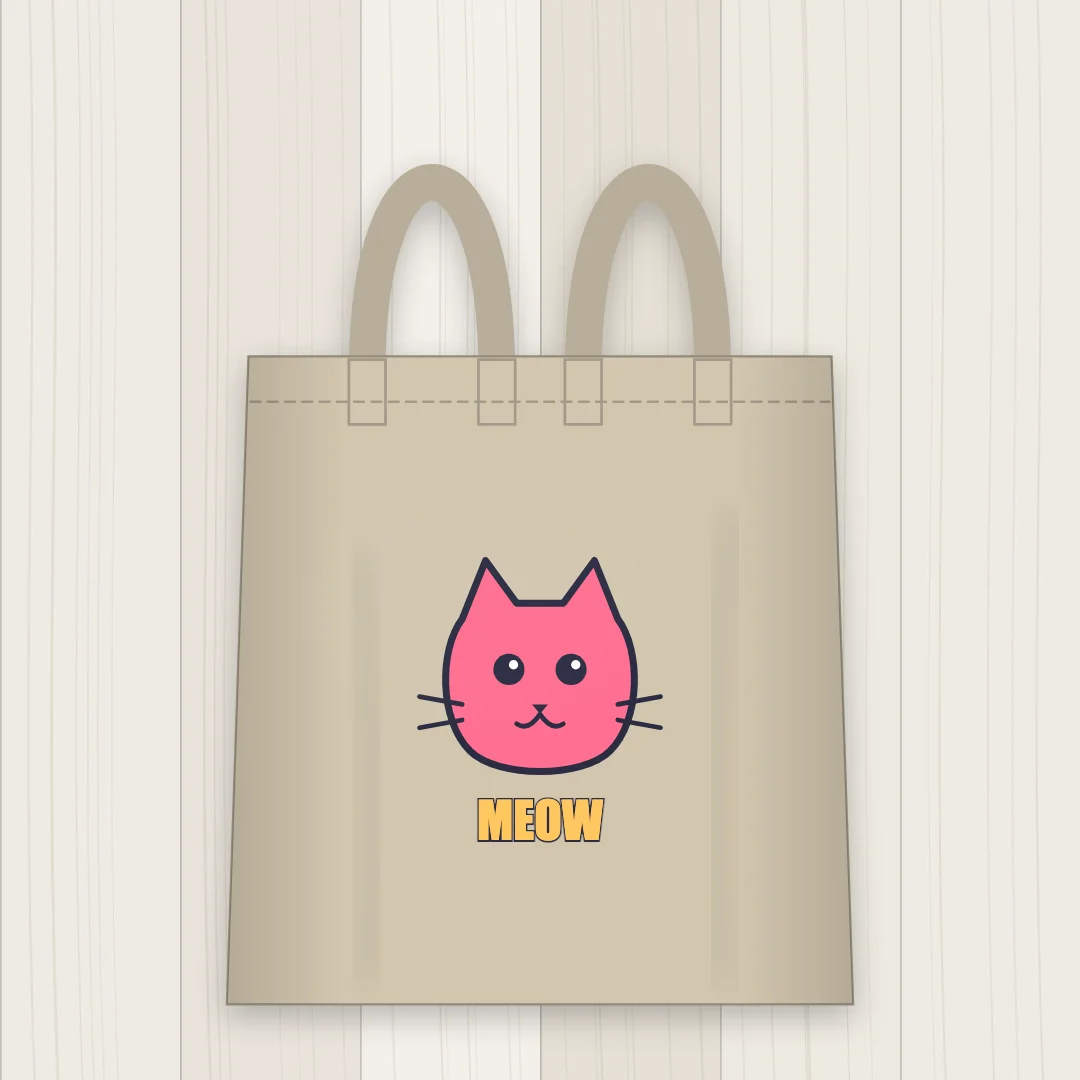
Clothing Mockups result: Clothing Mockups: a retro cat design on a sand beige tote bag
Clothing Mockups result

Free clothing mockups for four garments

One design, one tab, four drawn garments.

This tool puts one design on a t-shirt, a hoodie, a cap and a tote bag. Upload a PNG, JPG or WebP, or start from one of three sample graphics, then switch the garment type and the same artwork lands on each print area.

Pick a garment color from 12 presets or any custom shade, choose front or back, then set the background and canvas size. Everything redraws in your browser as you change it, and your artwork is never uploaded.

The garments are drawn flat illustrations, not photos. They suit shop drafts, line sheets and client proofs better than final product photography.

Made for

  • Small clothing brands
  • Merch designers
  • Etsy and shop sellers
  • Clubs and teams
  • Design students

Clothing mockups: this tool vs PSD packs and libraries

Pick the route that fits what you need the image for.

This toolLayered PSD packsBrand-blank libraries
Skill neededUpload and clickPhotoshop and smart objectsUpload and click
GarmentsT-shirt, hoodie, cap, toteOne pack per garment styleMany brands and cuts
CostFree, no sign-upUsually paid per packUsually a trial or a plan
LookDrawn flat illustrationPhoto or 3D renderPhoto-style blanks
Your designStays in your browserStays on your computerUploaded to a service
OutputPNG, up to 2160 px short sideAny size you exportHigh-res PNG

How to make clothing mockups

Three steps, and each change shows at once.

  1. 1

    Add your design

    Click Upload custom design or drop a PNG, JPG or WebP up to 20 MB. Images over 4000 px are scaled down. A transparent PNG works best because the garment shows through around the artwork. No file yet? Pick one of the three sample graphics.

  2. 2

    Choose the garment and color

    Select T-Shirt, Hoodie, Cap or Tote Bag, then a garment color, Front or Back, a background and a canvas size. Drag the design to move it, use the corner handles to scale it and the top handle to rotate. Sliders set opacity, fold shadows and fabric shine.

  3. 3

    Download each garment

    Press Download Mockup and pick High quality or Extra high quality. Switch to the next garment and download again to build a full set from one design. Reset puts the artwork back at the default spot.

Frequently asked questions

Upload your design, choose a garment type and color, place the artwork on the print area and download the PNG. The page redraws as you change each setting, so there is no generate step and no Photoshop file to open.

Here. This page makes free clothing mockups of a t-shirt, hoodie, cap and tote bag in your browser, with no sign-up, no watermark and no download limit. Free PSD files exist too, but they usually cover one garment each and need Photoshop to edit.

This tool does not use AI for these mockups: it draws the garment and places your artwork in your browser. For a photo-like scene made by AI from an uploaded design, the Mockup AI tool on this site does that, and it counts against one free image.

For early drafts, line sheets and shop listings, the four garments here are enough, and you can swap colors to show a whole range. For model photos or fabric-accurate renders, a photographer or a paid layered template pack is the better route for clothing mockups of that kind.

T-shirt, hoodie, cap and tote bag. Each is a drawn flat illustration with its own print area. The hoodie and t-shirt have a front and a back, the tote bag looks the same on both sides, and the cap has a front only.

Your artwork stays loaded, but its position, size and rotation go back to the default print area of the new garment. If you are on Back and switch to the cap, the page moves to Front, because the cap has no back print.

Not yet. The Mockup style option has Flat Lay and an On Model choice that is marked coming soon. It opens a short waitlist form instead of a mockup, so today every garment is a drawn flat lay.

No. The design lies flat on the garment with soft fold shadows over it. It is not bent around the cap crown or the bag, so keep that in mind when you show a client.

A PNG. High quality has a 1080 px short side and Extra high quality has a 2160 px short side. Pick a canvas of Square, Listing 4:3, Portrait 4:5 or Story 9:16, and set the background to Transparent if you want to add your own.

As many as you like. Nothing is counted, there is no watermark and there is no sign-up. Change the garment, color or canvas size and download again whenever you want another image.

No. The mockup is made in your browser and the file never leaves your device. Download the PNG to keep it, because nothing is saved on this page.

You can use the images you download. You need the rights to the design and must follow the rules of the platform you sell on. This tool does not print, sell or ship clothing.