Free AI t-shirt design tools, no sign-upTry It Free

Your photo

For the best result
  • Upload your logo or artwork as PNG or JPG
  • A plain or transparent background works best
  • A larger image keeps thin lines and small text sharp

Product

Scene

Free to try, no sign-up

Free Mockup Generator

A free mockup generator for logos and artwork: pick a product and a scene and get a realistic mockup. one free image, no sign-up, no Photoshop.
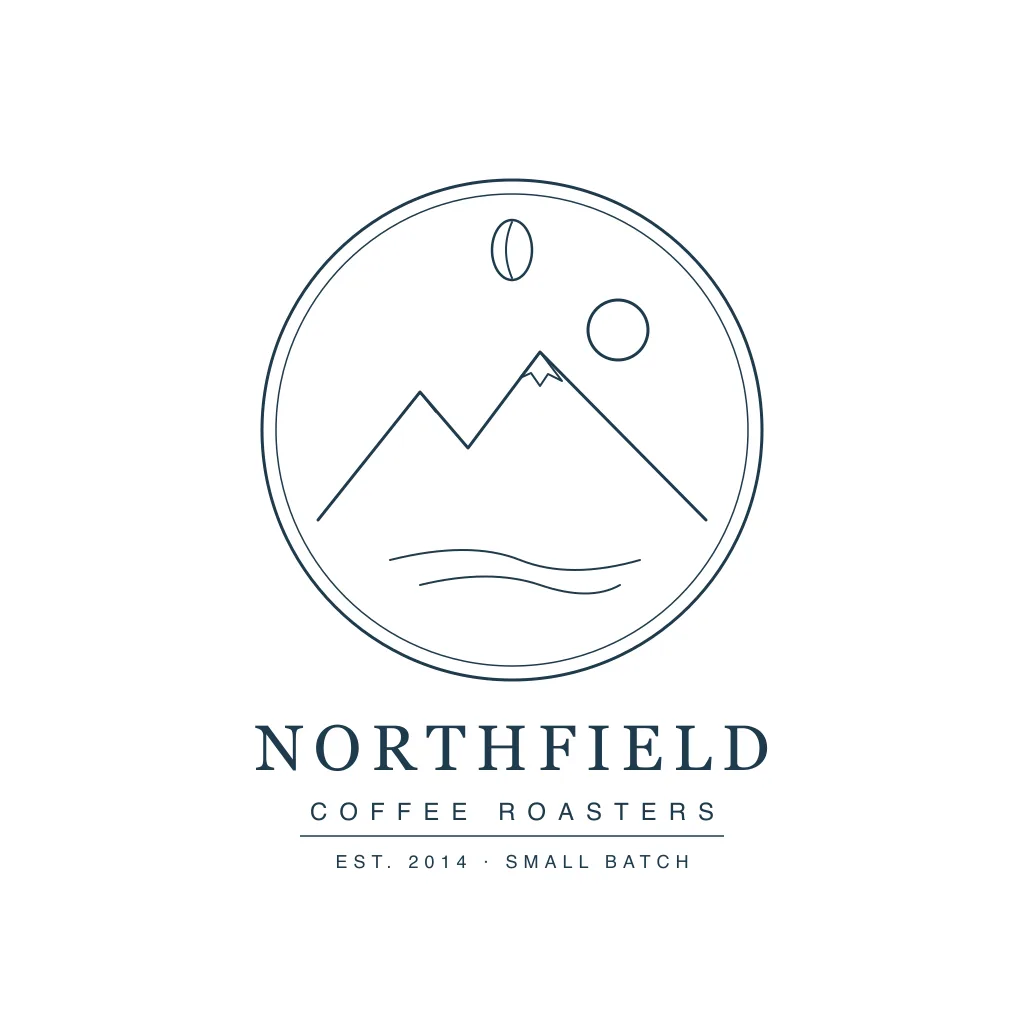
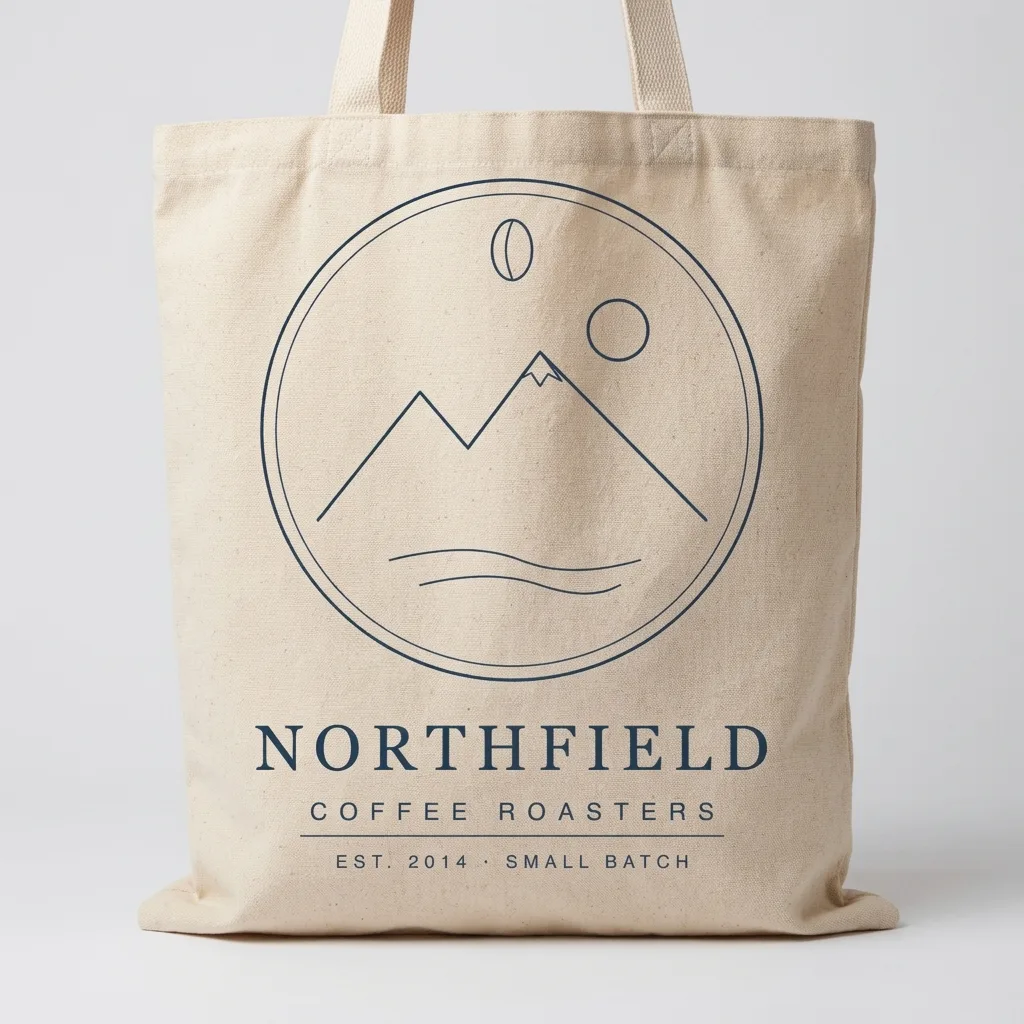
Original: Free Mockup Generator result: a thin-line coffee roaster logo printed on a canvas tote bagBefore
Free Mockup Generator result: Free Mockup Generator result: a thin-line coffee roaster logo printed on a canvas tote bagAfter

Example result. Upload your photo to make yours.

Examples

Original: Free Mockup Generator result: a thin-line coffee roaster logo printed on a canvas tote bagBefore
Free Mockup Generator result: Free Mockup Generator result: a thin-line coffee roaster logo printed on a canvas tote bagAfter

Free mockup generator or a template library?

Where the picture comes from is what differs, and it changes what you control.

This toolTemplate librariesPhotoshop mockup files
StartUpload and generate, no accountPick a template, then upload; some ask for sign-upOpen the file in Photoshop
Where the scene comes fromThe AI draws a new product photo each runA fixed photo or illustrationA fixed photo you bought or downloaded
Placing your designKept at the position and size it has in your uploadYou drag and scale it on the templateYou edit a smart object
Free partone free image per visitorFree templates; the rest often needs a paid tierThe file may be free; Photoshop is not
Best forQuick looks at a logo on a tote, mug or shirt, in one uploadA big set of exact garment shotsPixel-exact work for a client

How to use the free mockup generator in three steps

One upload, two choices, one image.

  1. 1

    Upload your design

    Drop a PNG or JPG logo or artwork, under 10 MB. A plain or transparent background and some empty margin around the design work best, because the model keeps your design where it sits in the upload.

  2. 2

    Pick a product and a scene

    Choose tote bag, T-shirt, hoodie, mug, poster or phone case, then Studio, Lifestyle, Minimal, Luxury or Outdoor. Studio is a plain grey backdrop; Lifestyle puts the product on a wooden table.

  3. 3

    Generate and download

    Press Generate Free Mockup and download the 1024 x 1024 PNG. Compare it with your original before you use it. To change the product or scene, generate again; that uses another free image.

Is the free mockup generator really free?

What the free part covers, what happens to your file, and where it stops.

  • What the free part covers

    You get one free image on the whole site, counted per visitor, not per page, and it never resets. There is no sign-up and no card. When they are used up, the tool tells you.

  • Your upload

    Your uploaded design is only used to make your result and is never used to train AI models. The AI provider keeps the result for a limited time, so download it right away.

  • What it does not do

    It does not print, sell or ship anything, and it makes one product per run. The print on a mug is flat, not wrapped. Whether you may put a logo or brand name on a product is up to you.

  • AI output varies

    In our test a thin-line logo with small lettering came out unchanged, but each run is new, so check spelling and details.

Frequently asked questions

Yes, up to one free image per visitor, with no sign-up and no credit card. The limit covers the whole site and does not reset. There is no paid plan to upgrade to today.

No. The free mockup generator works in your browser: upload a design, choose options, generate. There is no account and no app, and you do not need Photoshop or any design software.

We add no watermark to the PNG you download. As with any AI image, look at the result before you use it.

Tote bag, T-shirt, hoodie, mug, poster and phone case. The T-shirt is white and the hoodie is heather grey; there is no color picker. For a custom shirt color, the T-Shirt Mockup tool on this site draws one in your browser with no limit, though as a flat illustration.

A PNG or JPG logo or artwork, under 10 MB, ideally on a plain or transparent background. A larger image keeps thin lines and small text sharp.

A template is a fixed photo that your design is pasted onto. Here the AI draws a new product photo around your upload each run, so the scene changes with the product and scene you pick. You control less of the exact placement, and the result can vary.

The model keeps your design at the position and size it has in your upload and draws the product around it. Add margin around the artwork for a smaller print, or crop tight for a bigger one, then generate again.

No. On a mug the print is flat on the side facing the camera, not curved with the cup. Use it as a preview, not a print proof.

You can use the PNG you download to show a design to clients or friends. Where you post it is up to you, and so are any trademark and marketplace rules for what is on it.

No. You upload one image and pick two options. There are no layers, smart objects or masks to set up.

Once your free images are used up, this tool stops for you. The browser-based T-Shirt Mockup and Hoodie Mockup tools here have no limit and no watermark, but they draw flat illustrations, not photo-like scenes.

No. When a generation fails, the try goes back to your one free image, so you can run it again.