Examples
What a Free Hoodie Mockup Is Good For
Pick the print side and canvas that match where the image goes.
Merch drop previews
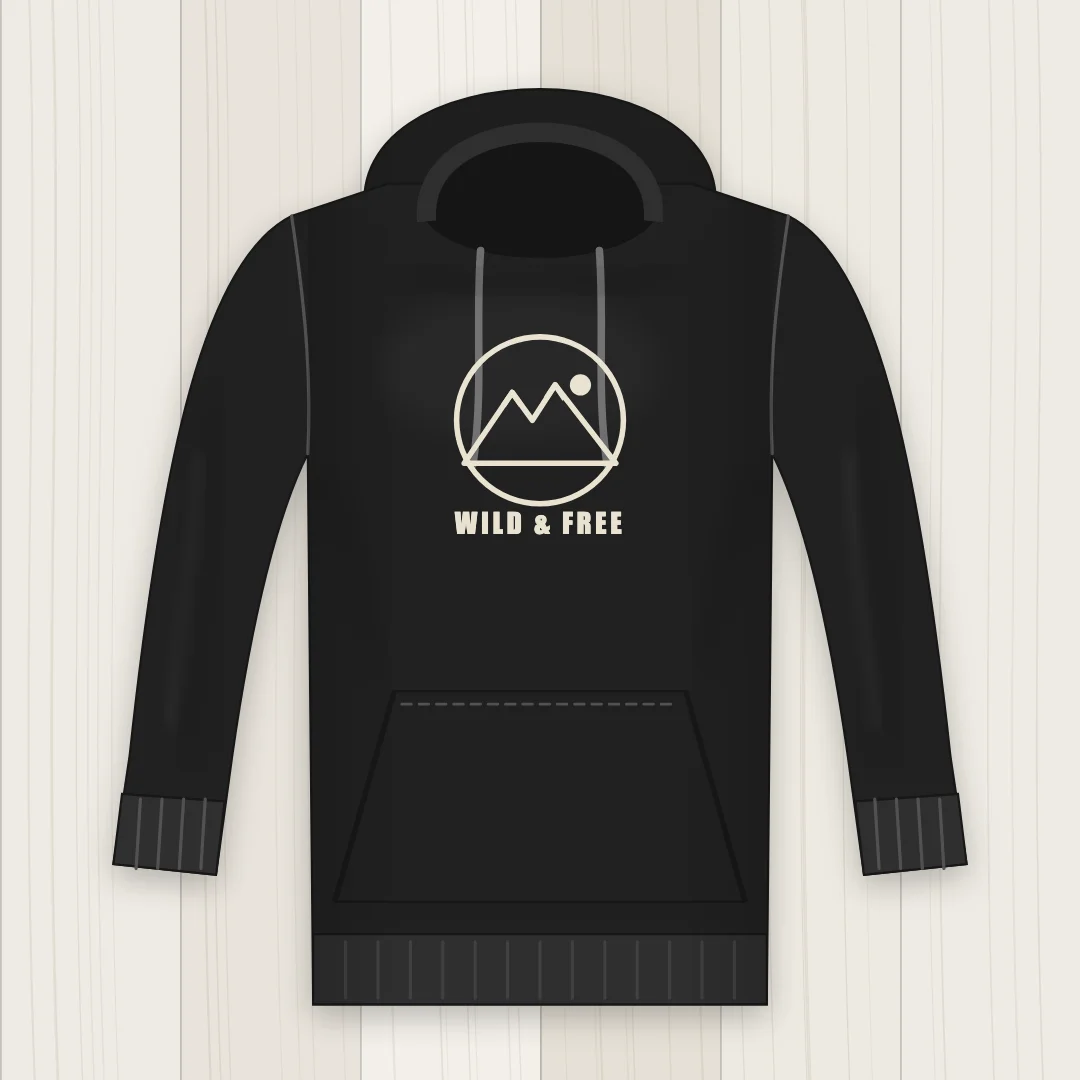
Check a chest graphic and a back graphic before you order a sample. Switch the print side, download each, and compare them next to each other. A drop with several designs gets one consistent set of images.
Shop listing images
The 4:3 Listing canvas gives you a ready frame for a product page. Pick the Extra high quality export if the shop shows the image large. Use one hoodie mockup per color you sell.
Client and team pitches
Send a PNG instead of a loose logo file. A transparent background drops straight onto a slide or a mood board, so the client sees the design on a garment, not on a white page.
Back prints
Big graphics often go on the back. The back print area sits below the hood, so you can compare the design’s position and proportions in the hoodie mockup.
Clubs, crews and events
Match the hoodie to your colors with the custom color picker, then show the group the design before anyone pays for a print run. A hoodie mockup also helps when a vote is split between two versions.
Social posts and stories
The 4:5 Portrait and 9:16 Story canvases fit a feed post or a story without cropping afterwards.
How to Make a Hoodie Mockup in Four Steps
Everything redraws as you change it. There is no generate button.
- 1
Add your design
Click Upload custom design or drop a PNG, JPG or WebP file up to 20 MB. No file yet? Try one of the 3 sample graphics.
- 2
Pick the hoodie
Choose one of 12 colors or any shade from the custom picker, then Front or Back. Set the background and the canvas size.
- 3
Place the design
Drag it into the dashed print area, pull a corner handle to scale it and the top handle to rotate. Sliders set size, opacity, fold shadows and fabric shine.
- 4
Download the mockup
Choose High quality (1080 px short side) or Extra high quality (2160 px) and download the PNG. It has no watermark.
Get a Cleaner Hoodie Mockup
- Use a PNG with a transparent background, or the design sits in a visible box on the hoodie.
- Start with artwork at least a few thousand pixels wide; files over 4000 px are scaled down, and a small file gets soft when enlarged.
- Keep a chest design above the kangaroo pocket, inside the dashed area, so the pocket does not cut into it.
- On the back, leave space under the hood so the graphic does not look crowded against it.
- Check contrast: dark ink disappears on a black hoodie, so try a light version of the design on dark colors. Test the hoodie mockup in two colors before you pick one.
- Lower the Fold shadows slider for a flat print such as a small logo, and raise it for a bold one.
- Export the Extra high quality PNG when the image will be shown large, and the High quality one for quick drafts.