Merch Maker
This free merch maker turns your idea into a design previewed on a t-shirt, sticker, mug, tote and cap. No sign-up.
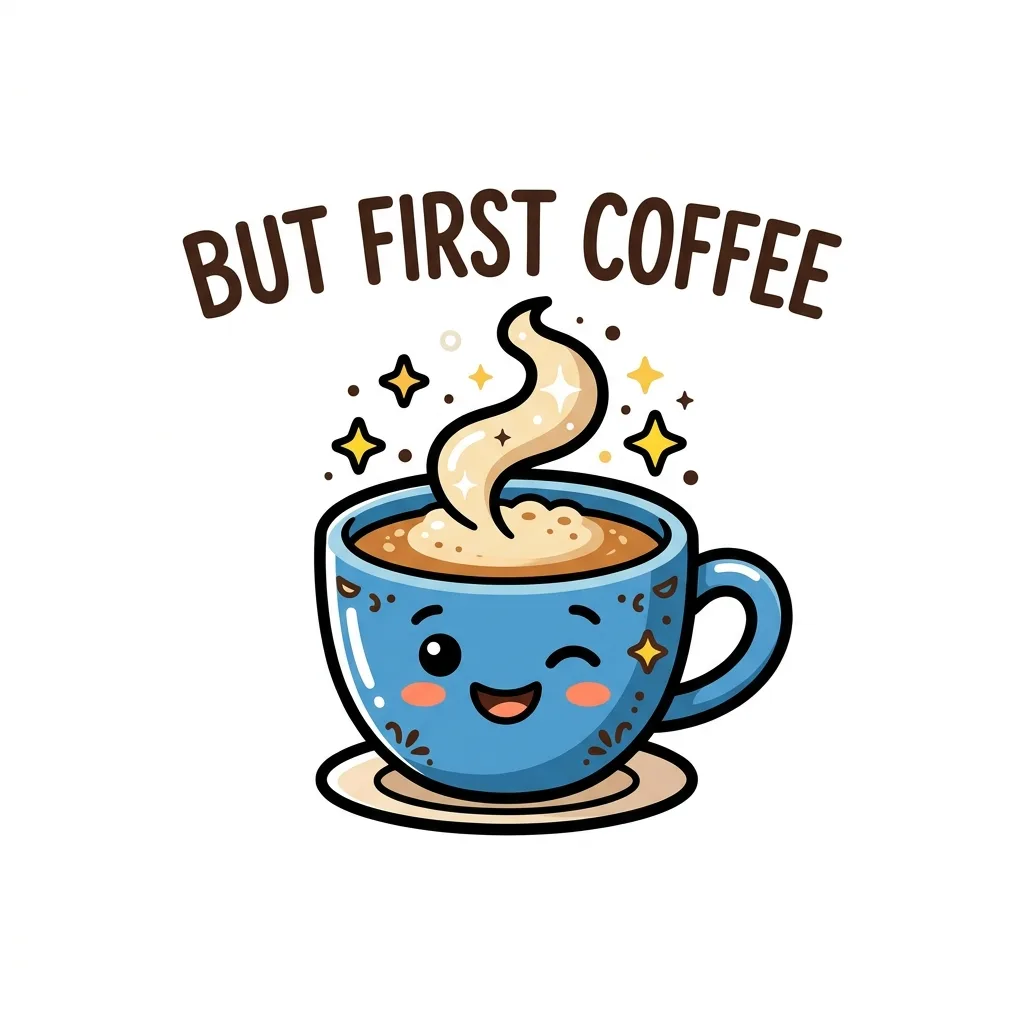
Example result. Pick your options to make yours.
Examples
Why Use This Merch Maker for Your Designs
Built for the first draft of a merch line, not for running a store.
A merch maker whose brief changes per product
Choose Sticker for a compact outlined design, Cap for a simple emblem, or Tote bag for a bold graphic.
One design, five products
The preview under your result shows the design on a t-shirt, sticker, ceramic mug, tote bag and cap. Drag it, scale it with the corner handles, rotate it, and switch product colors without generating again.
Files you can take with you
Download the design as a transparent PNG, or save the whole preview as a 2160 by 2160 PNG for a mood board or a shop mockup. The transparent version is made in your browser.
Design only, nothing to sign up for
There is no store to open and no order to place. One design is free, with no sign-up and no credit card, so you can test an idea before you spend on printing anywhere else. Many merch maker sites start with a store; this one stops at the design.
Short text stays readable
Add a line of up to 40 characters, such as a slogan or a name. In our tests, lines of up to six words, including arched text and numbers, came out spelled right. Longer lines and non-English text were not tested, so keep the words short.
Who Uses a Merch Maker Like This
Anyone who needs a design on a product before committing to it.
YouTubers and streamers
Turn a catchphrase or mascot into a first design for a fan shirt or mug, then decide whether it is worth a real run.
Small brands and shops
Test several looks for a tote or cap in an afternoon with the merch maker, then show the preview to a partner before you brief a designer.
Clubs, teams and schools
Make a badge-style emblem for a cap or a team sticker, then hand the PNG to whoever prints it. Pick the Badge style for a shield or round emblem with lettering that follows the shape.
Events and fundraisers
Draft a one-off design for a reunion, a charity day or a market stall, and see how it looks on a mug and a tote.
Gift makers
Put an in-joke, a pet drawing or a favorite quote on a mug or shirt idea for a birthday present.
Artists and hobbyists
Try your style as watercolor, line art or cartoon, and see which one holds up best when it is small.
How to Use the Merch Maker in Three Steps
One description, one pick for the product, one for the style.
- 1
Describe the design and pick a product
Write what should be on it, such as a coffee cup with a happy face. Choose All products, T-shirt, Sticker, Mug, Tote bag or Cap under Made for, then a style. Add a short text line if you want words.
- 2
Generate the design
Press Generate Merch Design. One 1024 by 1024 PNG on a white background usually takes about 14 seconds.
- 3
Check the preview and download
Switch between the five products, move and resize the design, and pick a product color. Then download the transparent PNG or the preview. A change in your description or style needs a new generation. Hold the corner handles to scale and the top handle to rotate; the dashed box marks the print area.